CapCut Review 2026: Pricing, Features & Alternatives
The most popular AI video editor in the world
* Affiliate link. No extra cost to you.
Our review of CapCut
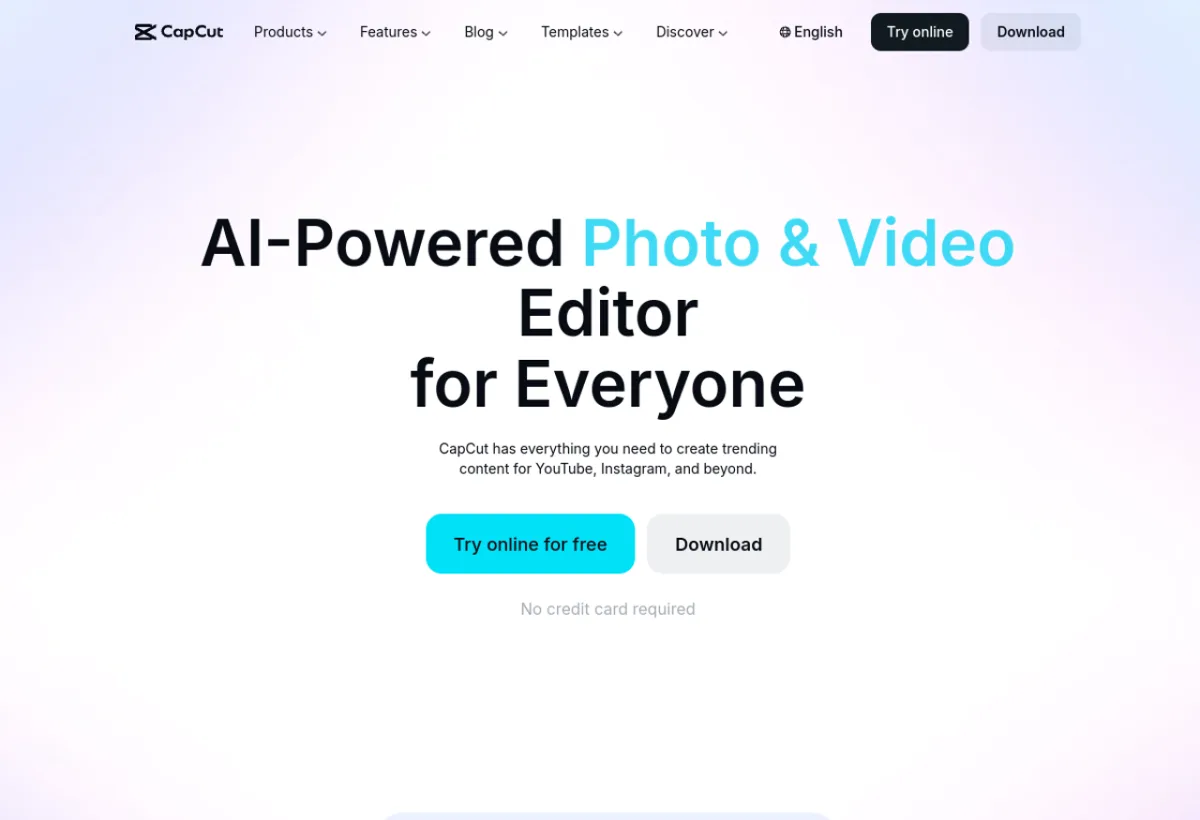
CapCut is ByteDance's (TikTok) free video editing app with integrated AI features: background removal, effects, automatic subtitles, script generation.
CapCut has become in 3 years the most downloaded video editing tool in the world with over 500 million users. Its AI features include: automatic transcription, subtitle translation, background removal, AI effects, script generator, and recently a native AI video generation function. It is the essential tool for TikTok, Instagram Reels and YouTube Shorts creators. Available on mobile, desktop and web.
CapCut is a solid tool in the "AI Video Editing" category. Very easy to pick up, even for beginners. The value for money is excellent. We especially recommend this tool for: TikTok, Instagram Reels, YouTube Shorts.
Pros & Cons
- Entirely free (basic version)
- 500M+ users, massive community
- Available on mobile + desktop + web
- Numerous and practical AI features
- Built-in TikTok trending templates
- Owned by ByteDance (privacy concerns)
- Advanced features are paid
- Less suited for professional content
- Cluttered desktop interface
Detailed Ratings
Pricing & Plans 2026

- 1080p export
- Full editing
- Watermark on some content
- Watermark-free export
- €199.99/year (≈€16.67/mo)
- Advanced AI features
Who is CapCut for?

CapCut is particularly suited to the following profiles. Depending on your needs, this tool covers various use cases. Here are the main ones: