See the deal → Affiliate link
Popular AI video generation
★★★★☆
4.2/5

PixVerse Review 2026: Pricing, Features & Alternatives

Fast AI video generator, from text or image

📅 Launched in  2023 🌍  Singapore 💻  Web, iOS, Android 💰 From  $0/mo
4.2
★★★★☆
AI Video Generator Rating
Ease of Use
4.6
Video Quality
4.1
Value for Money
4.3
Customer Support
3.8
🚀 Try for free View all plans ↓

* Affiliate link. No extra cost to you.

📝 Our review of PixVerse

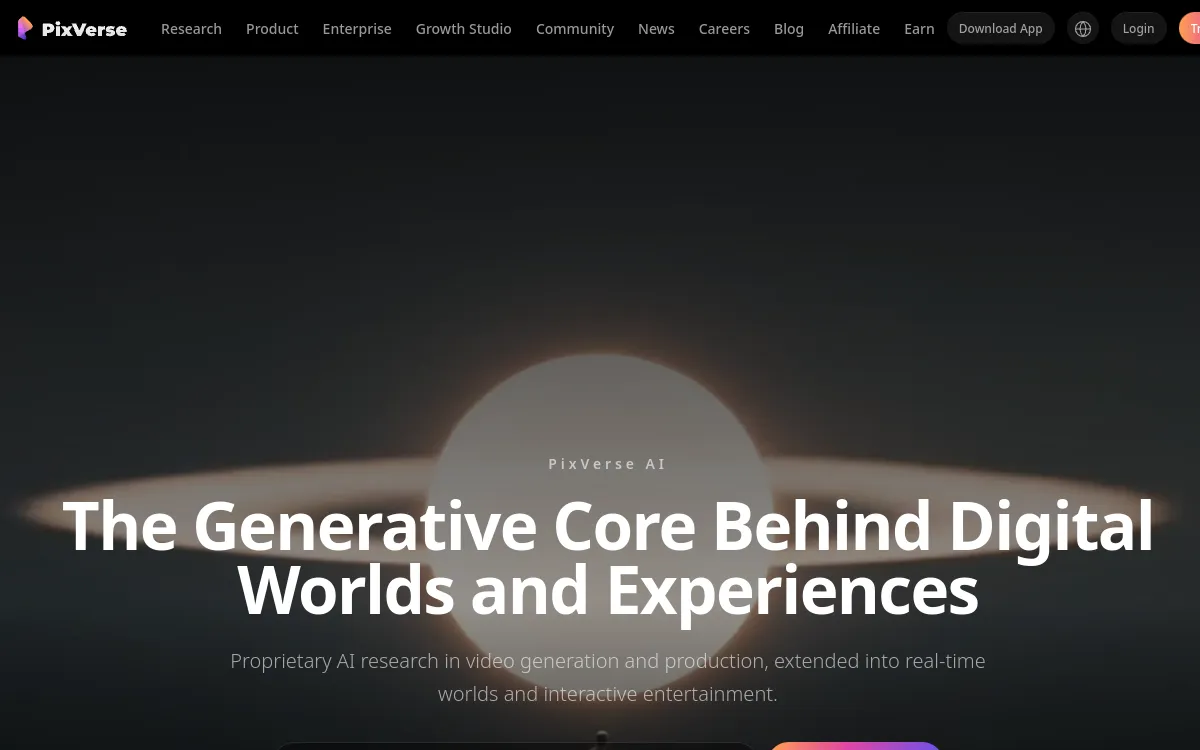
PixVerse screenshot 2026
Screenshot: the homepage of PixVerse

PixVerse is a popular AI video generator that turns a text prompt or an image into an animated clip in seconds, with realistic styles like anime and plenty of effects.

PixVerse has become one of the most widely used consumer AI video generators, especially on mobile. It covers text-to-video and image-to-video, offers ready-made effects (transformations, camera moves), several styles (realistic, anime) and clip-extension and lip-sync features. The free plan lets you test extensively thanks to daily credits, but it adds a watermark and caps output at 720p. Credits are consumed on every generation, successful or not: it pays to refine your prompts. A solid choice to quickly create short clips for social media, with no learning curve.

⚡ Quick Verdict

PixVerse is a solid tool in the "AI video generation" category. Very easy to pick up, even for beginners. Pricing is average for the market. We especially recommend this tool for: Short social media clips, Anime videos and effects, Creative prototyping.

4.2/5
★★★★☆
Our team's rating · Updated 2026
Try it now →

⚖️ Pros & Cons

✅ Strengths
  • Very fast generation
  • Text-to-video and image-to-video
  • Many effects and styles (including anime)
  • Free plan with daily credits
  • Polished mobile app
❌ Weaknesses
  • Watermark and 720p on the free plan
  • Credits consumed even if the render fails
  • Variable consistency on longer clips
  • Less precise than Veo/Sora on realism

📊 Detailed Ratings

🎯 Ease of Use
4.6
🎬 Video Quality
4.1
💰 Value for Money
4.3
🎧 Customer Support
3.8

💰 Pricing & Plans 2026

PixVerse screenshot 2026
Screenshot: the pricing of PixVerse
Free
$0/mo
90 credits on sign-up + 60/day
  • 720p
  • Watermark
  • Personal use
Pro
$30/mo
Monthly credits
  • 1080p
  • Faster generation
Premium
$60/mo
Monthly credits
  • 1080p
  • No watermark
💡 Tip: Always start with the free plan to test before committing. PixVerse does offer a free version, ideal for evaluating quality before investing.

🎯 Who is PixVerse for?

PixVerse screenshot 2026
Screenshot: the interface of PixVerse

PixVerse is particularly suited to the following profiles. Depending on your needs, this tool covers various use cases. Here are the main ones:

🎬 Short social media clips 🎬 Anime videos and effects 🎬 Creative prototyping 🎬 Testing and discovery
💡 Our recommendation: If you are a content creator looking to automate or improve your video production, PixVerse seriously deserves your attention.

❓ FAQ: Frequently Asked Questions

Yes, PixVerse offers a free plan (90 credits on sign-up + 60/day). It's enough to test the tool, but advanced features require a paid subscription.
We rated the video quality of PixVerse at 4.1/5. The quality is very satisfactory for most professional uses.
The ease of use of PixVerse is rated 4.6/5. Very accessible, no technical skills required.
The main alternatives to PixVerse are: Vidfly AI (3.8/5), MagicLight AI (4/5). Check out our full AI video tools comparison to choose.

Ready to try PixVerse?

Start for free and create your first AI video in minutes.

* Affiliate link, no extra cost to you

Quick Info

Category AI video generation
Origin Singapore
Launched in 2023
Platforms Web, iOS, Android
Starting Price $0/mo
🚀 Try PixVerse for free